
NVMe or SSD for a VPS: when the difference really matters
“NVMe” on a plan card does not guarantee fast, consistent storage. Learn which metrics affect databases, websites and containers, and how to test a VPS without risking production data.
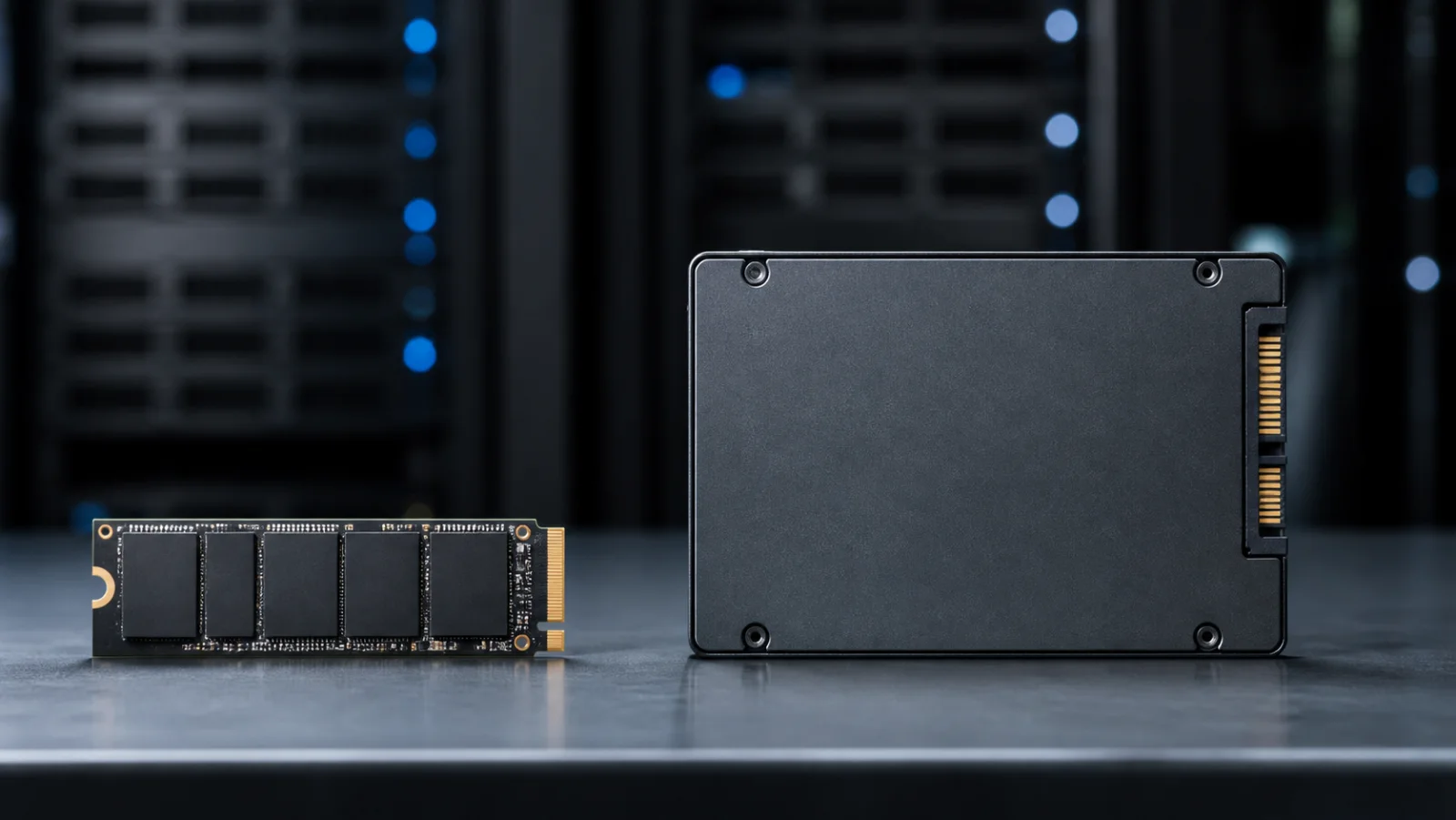
SSD is not the opposite of NVMe
SSD describes solid-state storage. SATA and NVMe are interfaces and protocols used to access it. NVMe offers much more parallelism and lower protocol overhead, but a VPS sees virtual storage backed by a provider's array. Oversubscription, caching, network storage and plan-level limits can outweigh the interface.
Storage characteristics that matter
| Metric | Meaning | Where it matters |
|---|---|---|
| Latency | Time for one read or write | Databases, PHP and small files |
| IOPS | Operations per second | Parallel queries, queues and containers |
| Sequential throughput | Long continuous reads or writes | Archives, backups and imports |
| Consistency | How stable results remain over time | Every production workload |
| fsync performance | Speed of durable data commits | Transactional databases and journals |
What to choose for common workloads
| Workload | Recommendation | Reason |
|---|---|---|
| Static site, VPN or small bot | A good SATA SSD is usually enough | Little sustained disk activity |
| WordPress or another CMS | Prefer NVMe for dynamic traffic | Many small files and database queries |
| PostgreSQL, MySQL, Elasticsearch | NVMe with proven consistency | Latency and fsync affect transactions |
| Docker with several services | NVMe when databases or active logs are local | Concurrent layer and volume operations |
| File archive | Prioritise capacity and backup economics | Capacity can matter more than IOPS |
Why two NVMe VPS plans perform differently
- The provider may cap IOPS or throughput by plan size.
- Physical storage is shared with a different number of active tenants.
- A write cache makes short tests look fast but runs out under sustained load.
- Host backups and migrations temporarily increase the I/O queue.
- The guest uses an unsuitable filesystem or I/O scheduler.
- The application performs unnecessary synchronous writes.
How to test storage safely
Test a new, empty instance with a tool such as fio and record block size, queue depth, read/write mix and duration. Short sequential benchmarks are poor proxies for a transactional database. Repeat tests at different times and monitor latency percentiles, not only averages. Never run destructive write tests against a live filesystem or provider-managed volume without understanding the command.
Deciding without overpaying
Estimate capacity first, including 20–30% free space, backups and temporary files. Then identify whether the application is latency-sensitive. Ask the provider for guaranteed IOPS, throughput and storage type. If those details are unavailable, buy a small plan for a representative test before committing.
Frequently asked questions
Is NVMe always faster than SATA SSD?
It has higher physical potential, but a capped or oversubscribed NVMe plan can be slower than well-managed SSD storage.
Will a simple brochure site feel faster?
Usually not. Application response time, caching and network latency dominate unless the site performs many disk operations.
What matters more for a database: NVMe or RAM?
RAM expands the cache; fast storage reduces the cost of cache misses and durable writes. Measure the actual bottleneck.
Does RAID replace backups?
No. It does not protect against deletion, corruption, application mistakes or loss of the provider account.
Related: VPS backup strategies that can actually be restored.