
GPU VPS and cloud GPUs: choosing a server for AI, rendering and compute
GPU products differ in VRAM, sharing model, drivers, storage and billing. Compare the cost of a completed workload rather than the hourly price or gaming benchmark.
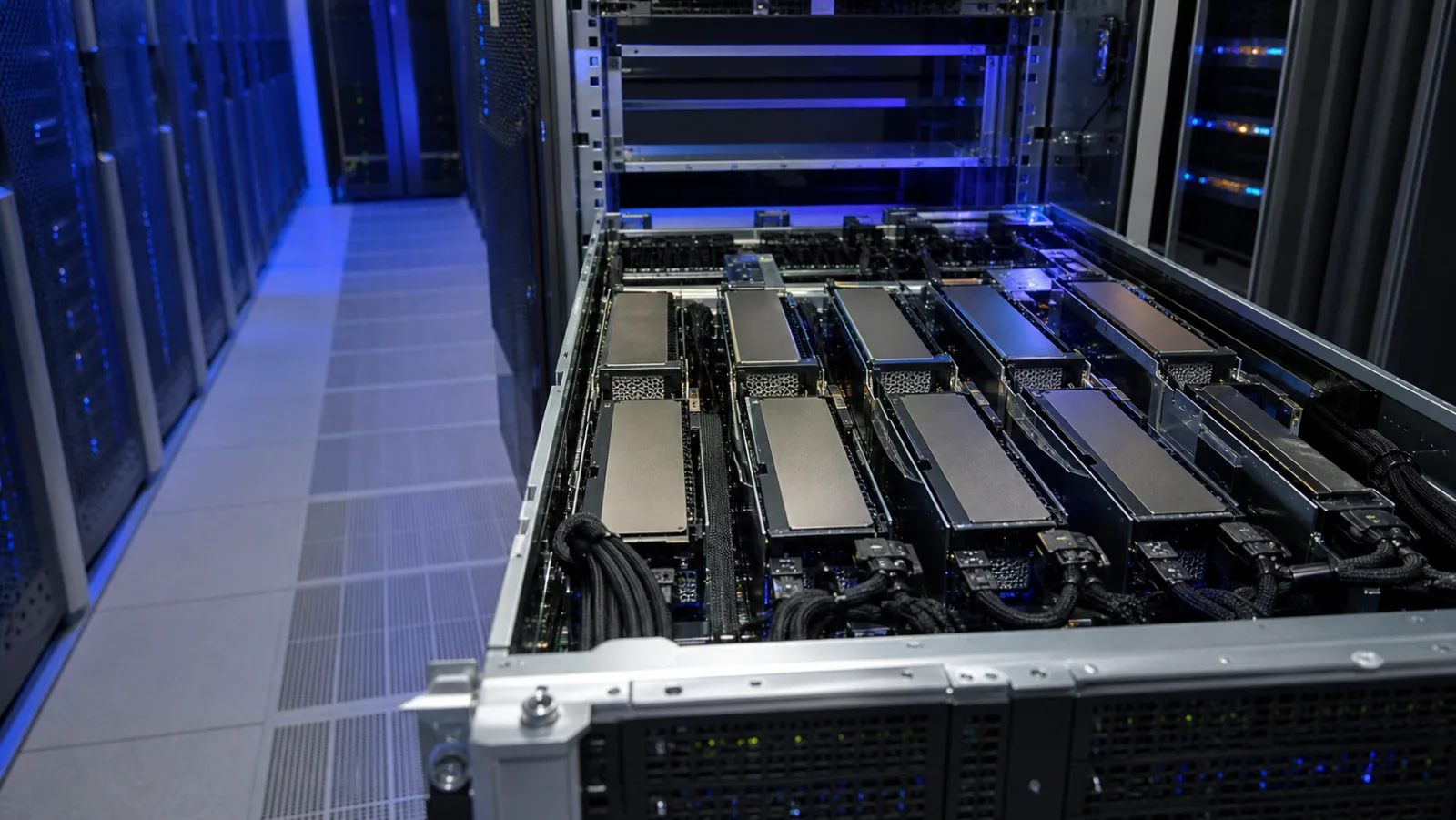
When a GPU is actually required
| Workload | Main parameter | Common risk |
|---|---|---|
| Language-model inference | VRAM, memory bandwidth, latency | Model does not fit or queue is unstable |
| Training | VRAM, FP16/BF16, GPU interconnect | Slow checkpoints and costly idle time |
| Image generation | VRAM and model-specific throughput | Using gaming benchmarks as proxy |
| Video encoding | Hardware codecs and session limits | Required profile is unsupported |
| 3D rendering | Engine compatibility and VRAM | Plugin or driver fails in cloud |
Many preprocessing, API and orchestration tasks are better served by an ordinary VPS. Profile first: a GPU that waits for CPU, disk or data transfer wastes money.
Dedicated card, vGPU or container
- Confirm whether the complete physical card or a vGPU slice is assigned.
- Check guaranteed VRAM and compute share.
- Verify available driver and CUDA versions.
- Read rules for sustained utilisation and long-running jobs.
- Confirm public IP, private network and persistent disk options.
- Find out whether storage survives when the instance stops.
PCI passthrough gives strong isolation and predictable access to the device. vGPU can be economical but may cap memory or compute. A managed container is fastest to start, yet may limit kernel, drivers and networking.
Why VRAM often matters more than core count
A model must fit with weights, runtime buffers, context and concurrent batches. Quantisation lowers memory use but can affect quality and throughput. For training, optimiser state and gradients multiply requirements. Estimate using the exact framework and model version, then leave safety margin.
Calculate cost per result, not per hour
| Billing model | Best for | Check |
|---|---|---|
| Hourly | Experiments and periodic batches | Minimum increment and stopped-disk cost |
| Monthly | Continuous high-utilisation inference | Commitment and replacement terms |
| Interruptible | Restartable training and rendering | Warning period and checkpoint frequency |
| Per request | Rare inference without operations | Cold starts and model limits |
Include startup, data upload, checkpoints, idle capacity, egress and engineer time. A faster, more expensive GPU can cost less if it completes the task much sooner.
CPU, RAM, storage and network around the GPU
Data loading and preprocessing need CPU and memory. Model checkpoints need fast storage and enough temporary capacity. Multi-node training depends on specialised interconnects, not just public port speed. Place object storage near compute and test the real path.
Run a representative trial
Use the actual model, precision, batch size and dataset sample. Record warm-up separately, then measure throughput, p95 latency, VRAM, GPU utilisation, CPU, I/O and power or throttling where exposed. Test checkpoint save and restore before committing to a long rental.
Frequently asked questions
Can a GPU VPS host an LLM?
Yes, if weights, context and concurrency fit in VRAM after the chosen quantisation. Benchmark the target request pattern first.
Cloud GPU or physical server?
Cloud suits variable work and experiments. A dedicated machine can be cheaper at constant high utilisation but requires commitment and operations.
Can training use interruptible instances?
Yes, when jobs frequently checkpoint to independent storage and resume automatically.
Is a public IP required?
Usually not for batch compute. VPN, bastion or console access reduces exposure; place a public API on a separate standard VPS.
Related: deploying Node.js and Python services.